Chats stay with their projects
Each chat keeps its project, model, context, running tasks, and change history close at hand.
 Palmtop
AI coding workspace for Android
Palmtop brings projects, AI agent chats, files, commands, and a Debian environment together so you can work on code from your Android phone.
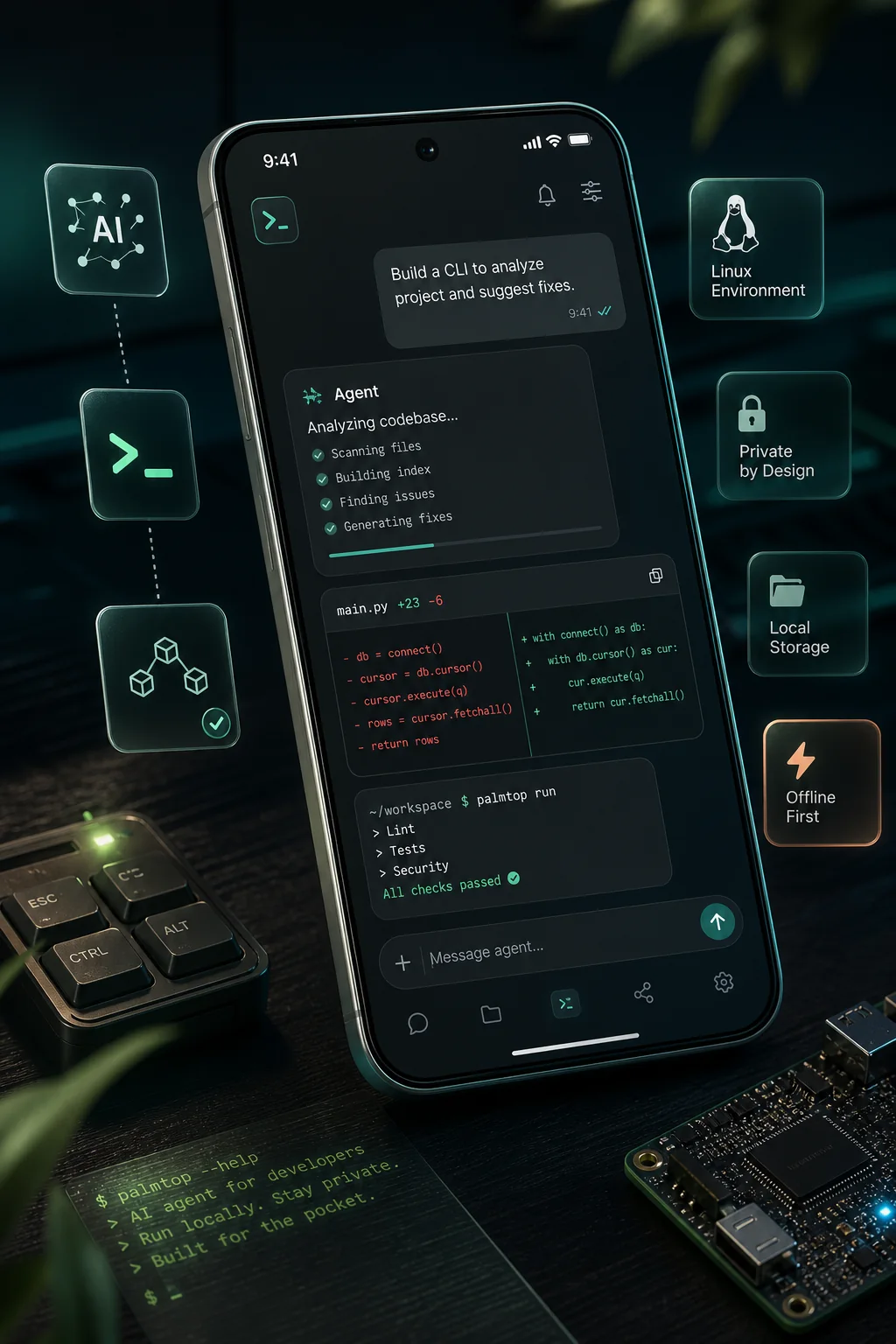
Palmtop keeps your project, agent chat, code changes, files, and background services together. Give the agent a task, follow its progress, review the diff, and continue toward a working result.
Each chat keeps its project, model, context, running tasks, and change history close at hand.
See agent progress, terminal commands, files, errors, and results in a compact timeline.
Open diffs, code sections, project files, and artifacts in the app before you use the result.
Palmtop includes a Debian environment inside the app, with project files, Git, a terminal, and development tools. The agent runs supported commands there while you can inspect its work.
Choose an available model and provider for your task. Palmtop keeps the project context with the chat as you switch between supported connections.
Palmtop is a mobile development workspace for Android. It brings projects, AI agent chats, files, terminal tools, and a Debian environment into one app.
Yes. Use Palmtop to inspect and edit project files, run commands supported by the installed environment, and review the agent's changes from your Android phone.
The current Android early-access build is available from the official Palmtop download page. Google Play and other app-store buttons are shown as coming soon.
Download the Android early-access build and explore projects, AI agent chats, terminal tools, and the Debian environment on your phone.
Download Palmtop